Skip to main navigation
Skip to footer content
Current Students
Faculty + Staff
Foundation + Alumni
Athletics
Search
Submit Search
Search
Submit Search
Current Students
Faculty + Staff
Foundation + Alumni
Athletics
Academics
Pathways
Dual Credit
Adult + Continuing Ed
Career + Corporate Training
Catalog
Enrollment + Aid
Enroll Now
Financial Aid
Campus Visits
Student Records
Housing + Dining
Campus Life
Student Life
Clubs + Organizations
Student Resources
Athletics
Meet TVCC
About Us
Leadership
Employee Directory
Campus Maps
Economic Impact
Financial Aid
Home
Financial Aid
How to Setup Electronic Refunds
Resources
Apply for Aid
Scholarships
Veterans Affairs
Apply for Aid
Hazlewood Act
Work Study
Compliments + Concerns
Student Right-To-Know Act
Handbook
Forms
2026-2027
2025-2026
Submit Forms
MyCardinalConnect
Meet the Team
Contact Us
Contact Card
Financial Aid
FinAidInfo@tvcc.edu
How to Setup Electronic Refunds
Step 1
Step 2
Step 3
Important Information
Pay 10% of your total balance upfront plus a $25 setup fee.
The remaining balance is split into 3 automatic payments with fixed dates (Summer: 2 payments).
Your plan may recalculate if new charges are added, changing the remaining payment amounts.
Any payments made outside the scheduled dates are applied to the earliest unpaid installment first.
All installments are auto drafted on fixed dates, which cannot be changed.
Log In
Log into your MyCardinalConnect
Select "Financial Information"
Select "Student Finance"
MyCardinalConnect
Make a Payment
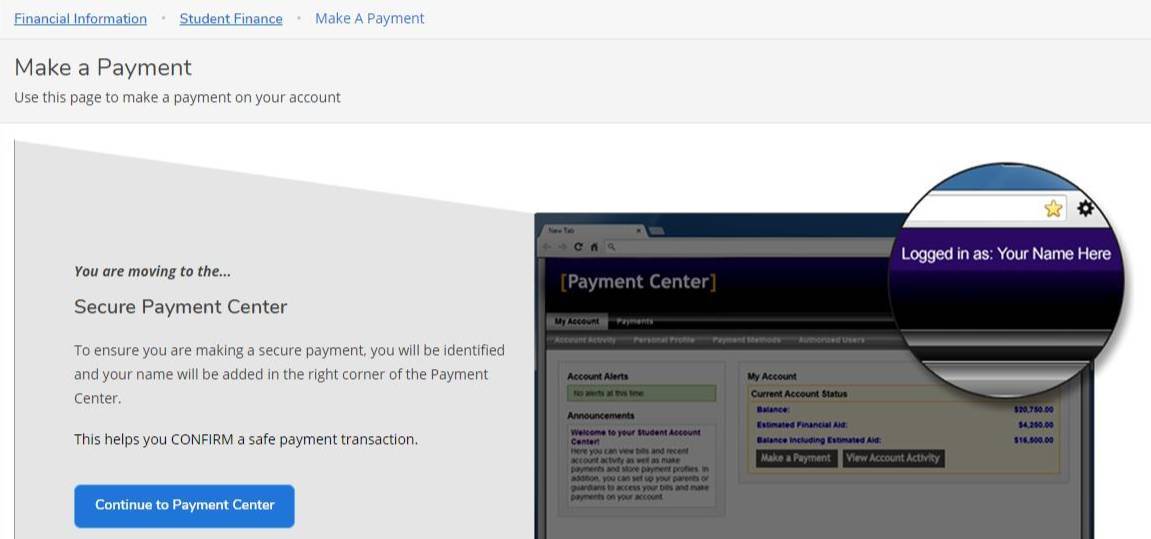
Under the "Student Finance" dropdown, select "Make a Payment"
Click the "Continue to Payment Center" button
Enroll
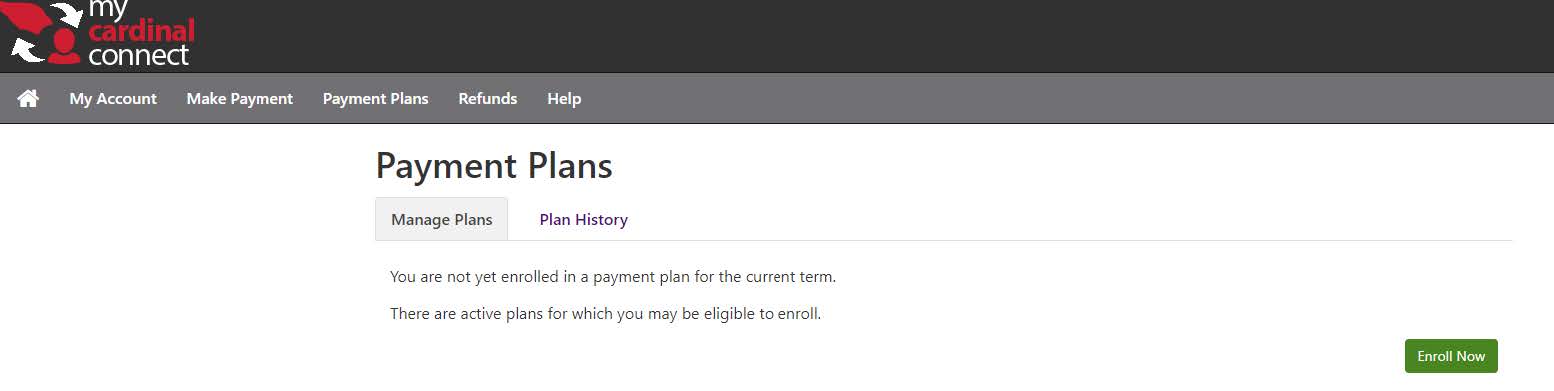
Select "Payment Plans" tab
Click the "Enroll Now" button
Back to Top
©
By using this site, you agree to our
Privacy Notice
Accept Cookies